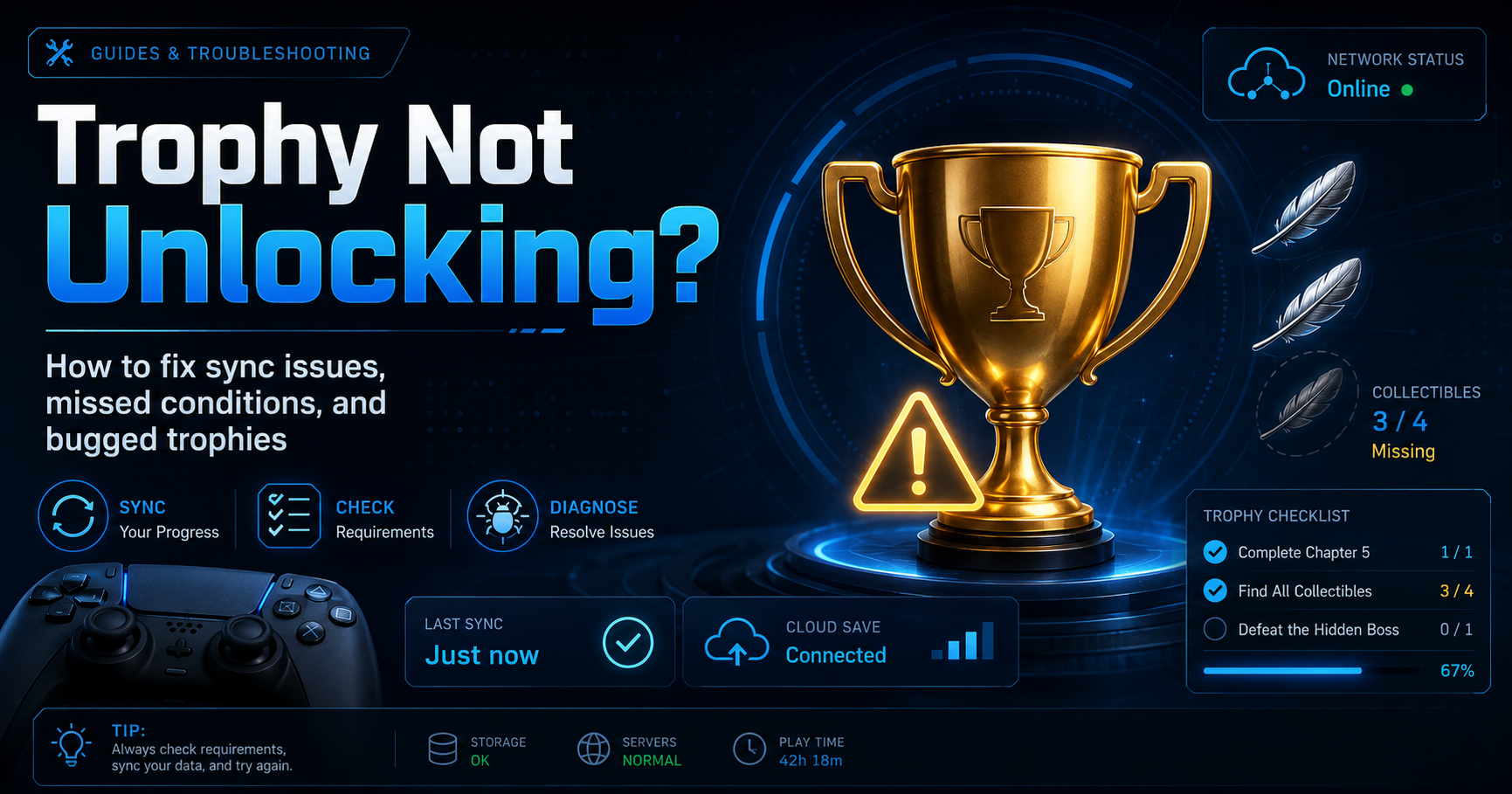
You did the thing. The requirement said collect 50 feathers, you collected 50 feathers, and the corner of the screen stayed empty. Before you replay six hours of a game, work through the causes below in order — the first two account for the overwhelming majority of "missing" trophies, and neither requires losing progress.
Quick answer: if the trophy shows as earned on your console but not on your profile, it is a sync problem — force a manual sync. If it shows as unearned on the console itself, the game never registered the condition, and syncing will not help.
That distinction is the whole diagnosis. Check your in-game or console trophy list first and find out which situation you are in.
1. The trophy unlocked, but never synced to PSN
Your console stores trophies locally and pushes them to PlayStation Network separately. If you played offline, lost connection mid-session, or the network hiccuped, the trophy exists on the machine and nowhere else. Your profile — and every site that reads it — sees nothing.
On PS5: open your profile, go to Trophies, press the Options button, and choose the sync option. It is easy to miss because PS5 usually syncs silently in the background, which is exactly why people assume it always has.
On PS4: open the Trophies app from the home screen, press Options, and select Sync with PlayStation Network. PS4 is noticeably worse than PS5 at doing this on its own, and a manual sync is the single most useful habit a PS4 trophy hunter can build.
A sync can take a minute on an account with a large library. Let it finish rather than backing out halfway.
2. You did not actually meet the condition
This is the uncomfortable one, and it is more common than sync failures for anything harder than a story trophy. Trophy conditions are written by developers and checked by code, and the code is frequently stricter than the description:
- The counter was not the counter you thought. "Defeat 100 enemies" often means 100 in a single playthrough, or with a specific weapon, or without dying — and the description mentions none of it.
- You were in the wrong mode. A large number of trophies do not track in easy/story difficulty, in co-op, in New Game+, or in offline/private matches. If the game has any concept of a "modifier", assume it can disable trophies until you confirm otherwise.
- You used a cheat, trainer, or save file. Many games explicitly disable trophies once a cheat is active for the session, and the block often survives until a full restart.
- The trophy is retroactive-unfriendly. Some cumulative trophies only start counting once you reach a specific story beat, so progress earned before that point is discarded.
Check a trophy guide for the specific game before you assume a bug. Our trophy guides note the conditions that trip people up most often, per game.
3. The console needs a genuine restart
Rest mode is not a restart. A full power cycle clears the trophy service state and resolves a surprising share of "it says 99% but will not pop" cases.
Shut the console down completely — not rest mode — wait around thirty seconds, and boot it back up. Then launch the game and let it sit at the title screen for a moment before loading your save.
4. PSN itself is having a bad day
If trophies are not syncing for anyone, the problem is not your console. PlayStation Network status is published on PlayStation's official support site, and trophy syncing sits under the "Gaming and Social" service. During an outage, trophies keep unlocking locally and queue up — they will sync once service returns. Do not delete anything while an outage is active.
5. The trophy data on the console is corrupted
Signs of corruption: trophies unlock but immediately vanish, the trophy list shows wrong percentages, or syncing fails repeatedly with an error.
On PS4, rebuilding the database usually clears it. Power the console fully down, hold the power button until you hear the second beep to enter Safe Mode, connect a controller by USB, and choose Rebuild Database. This does not delete games or saves — it rebuilds the index. Back up saves first anyway, because that is simply good practice.
On PS5, the equivalent Safe Mode options include clearing the cache and rebuilding the database. Try clearing the cache first; it is faster and less disruptive.
6. Reinstalling the game is safe — and sometimes works
People avoid this out of fear of losing trophies. You will not. Trophies live on your PSN account, not in the game installation. Deleting and reinstalling a game removes nothing you have already earned, provided your trophies have synced (see fix 1 — sync before you delete anything).
Reinstalling helps when the game's own trophy manifest is damaged, which shows up as a trophy list that displays incorrectly or refuses to update.
7. You are on a different trophy list than you think
This one blindsides people. Many games ship separate trophy lists per region and per platform generation — a "stack". The PS4 version and PS5 version of the same game are frequently two independent lists, as are the EU and NA releases of certain titles.
If you played the PS4 version and are now checking the PS5 list, the trophy is not missing; it is on the other list. Look at which version you actually launched, and check the matching list on the game's page.
When it is genuinely the game's fault
Some trophies are simply broken, and no amount of troubleshooting fixes them. Known-bugged trophies are usually well documented by the community within weeks of a game's release, and they tend to fall into recognisable patterns: a counter that resets on reload, a collectible that fails to register if picked up during a cutscene, a trophy that only unlocks if you complete steps in a specific order.
If you suspect a bug, search the game's trophy discussion in our forums before replaying. There is often a known workaround — reload an earlier save, do the final step offline, or finish the sequence in a single session without quitting.
Frequently asked questions
Do trophies unlock if I play offline?
Yes. They unlock and store locally, then sync the next time you connect and either launch a game or sync manually. Nothing is lost by playing offline — it only delays the trophy appearing on your public profile.
Can I re-earn a trophy that did not unlock?
If the console shows it as unearned, yes — meet the condition again and it will pop. If it shows as earned but is missing from your profile, do not replay anything; it is a sync issue.
Does deleting a game delete its trophies?
No. Earned trophies are stored against your PSN account. The only thing you can remove is a trophy list at 0% completion, which by definition contains nothing you have earned.
Why does my trophy percentage differ between my console and a tracking site?
Third-party sites read your profile through PSN and cache the result. If you have earned trophies since the site last refreshed your profile, it will lag until it re-scans. Force a sync on console first, then refresh your profile on the site.
Discussion
Sign in to comment with your PSN.GG identity.
Be the first member to comment on this story.